
 get a quote

How to maintain the Mouse and keyboard combo
Release time:
2023-02-11
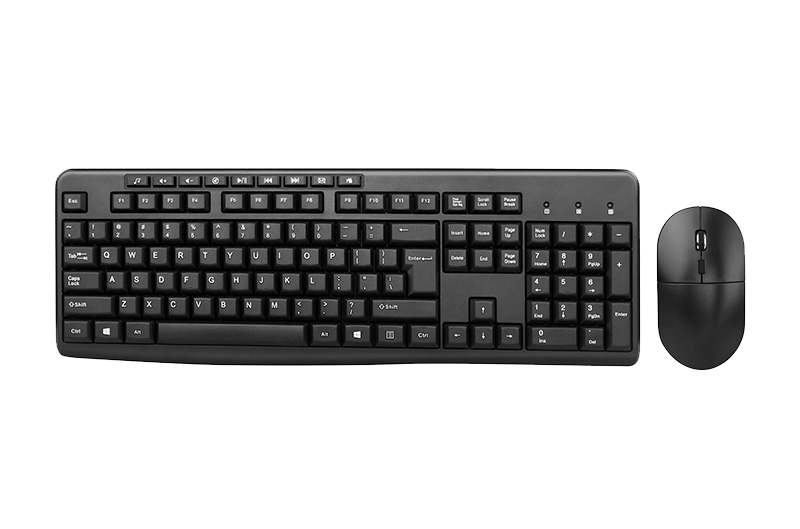
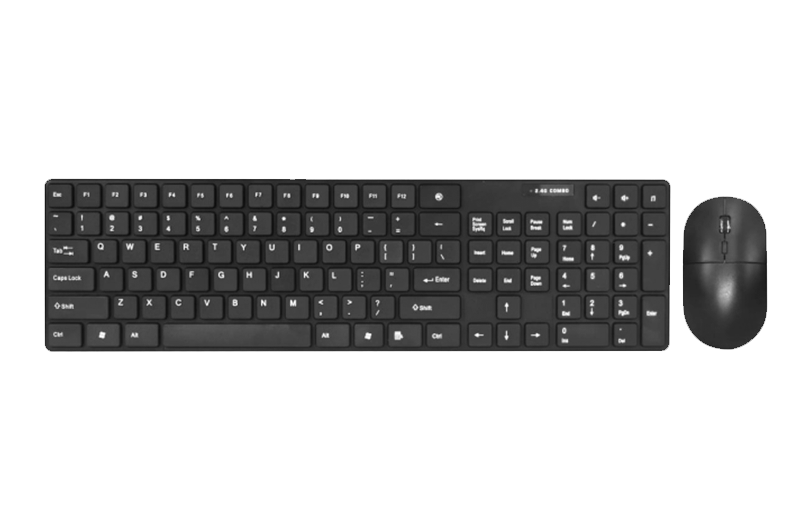
The manufacturer of the Mouse and keyboard combo tells you that during use, the keyboard should be wiped and dusted regularly to prolong its service life. The specific methods are: remove the keyboard when the host is powered off, turn the keyboard over and place it on a piece of cloth, remove the screws, separate the disk body from the disk support, and clean the plastic and metal parts without electronic circuits with warm soapy water , and then dry; for the keyboard body with keys and microcontrollers, use a slightly damp towel to wipe off the stains. Once the key is damaged, the key surface should be unplugged and replaced with a new key or replaced with a key that is not commonly used. The Mouse and keyboard combo manufacturer tells you that in daily use, you should also pay attention not to let the keyboard be contaminated with water or other liquids, as well as solid chemicals.

Maintenance of the mouse: The manufacturer of the Mouse and keyboard combo tells you that the rollers of the mechanical mouse that are in contact with the ball are the easiest to get dirty, and it is difficult to roll the ball after it is dirty. This requires removing the rolling ball cover, removing the rolling ball, gently scraping off the dirt on the rolling ball in both directions with a knife, being careful not to damage the rolling shaft, and then cleaning the rolling shaft, rolling ball and rolling ball cover with absolute alcohol. Wipe clean. Always keep the computer workbench clean to prevent the ball of the mechanical mouse from being stuck.
The Mouse and keyboard combo manufacturer tells you that regardless of whether the interface of the mouse is optical or mechanical, the input operation is inseparable from the button. Buttons tend to lose their elasticity after being used for a certain period of time. Usually, the left button is used more than the right button, so it is more likely to fail. At this time, although the rest of the mouse is still good, it can no longer be used. At this time, you can use the WINDOWS control panel to reset the left and right buttons of the mouse, so that the right button can replace the left button, which can extend the life of the mouse button.
RELATED NEWS


Contact | WhatsApp: +86 13510500730
Tel: +8613510500730
WhatsApp: +86 13510500730
E-mail: sales4@szbenda.com
Address: 2nd Floor, No. 8, Xinggong First Road, Hongxing Community, Gongming Office, Guangming New District, Shenzhen



Tel:+86-13631205300
Email:sales4@szbenda.com
Bella:live:sale03_62
Chloe:live:sale06_35
Christina:live:3140850287
Serena:live:sale05_122